How to Play Pokémon ROM Hacks on Android (2026)
Playing GBA Pokémon ROM hacks on Android is quick once you have the right emulator. This guide walks you through choosing an app, downloading a ROM, and loading it — most people are playing within five minutes of starting.
Contents
What You Need
You need two things: a GBA emulator app and a .gba ROM file. The ROM file is the game — download pre-patched copies of popular hacks directly from PokeHacks, no extra steps required. The emulator reads the file and runs the game on your phone.
Best GBA Emulators for Android in 2026
These are the three most reliable options for playing GBA ROM hacks on Android:
My Boy! Free
The most widely used GBA emulator on Android. The free version supports fast forward, save states, and hardware controller input — everything you need for ROM hacks. Search 'My Boy' in the Play Store.
Pizza Boy GBA
A newer emulator with excellent accuracy and a clean modern interface. Performs well on mid-range devices and has strong Bluetooth controller support. Free version is fully usable.
RetroArch (mGBA core)
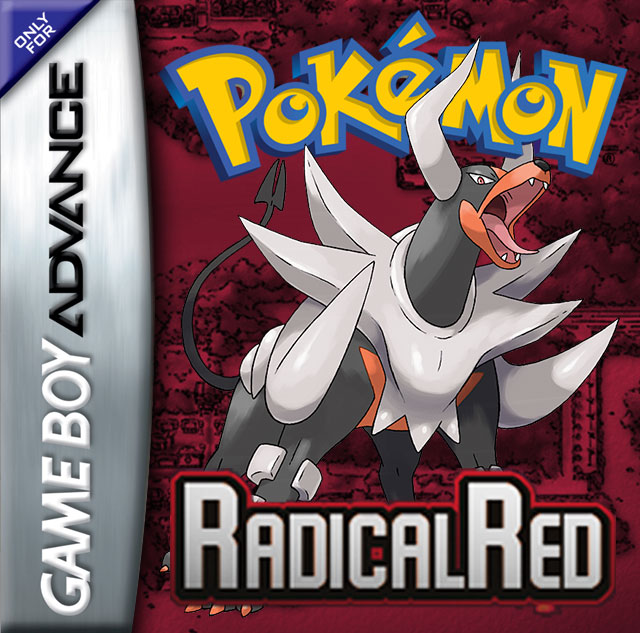
The most accurate option for advanced users. Uses the same mGBA core that powers the best desktop GBA emulator. Best compatibility for hacks that push the GBA hardware — steeper setup but worth it for complex hacks like Radical Red.
Downloading a ROM from PokeHacks
Every hack page on PokeHacks has a Download button that saves the .gba file directly to your phone.
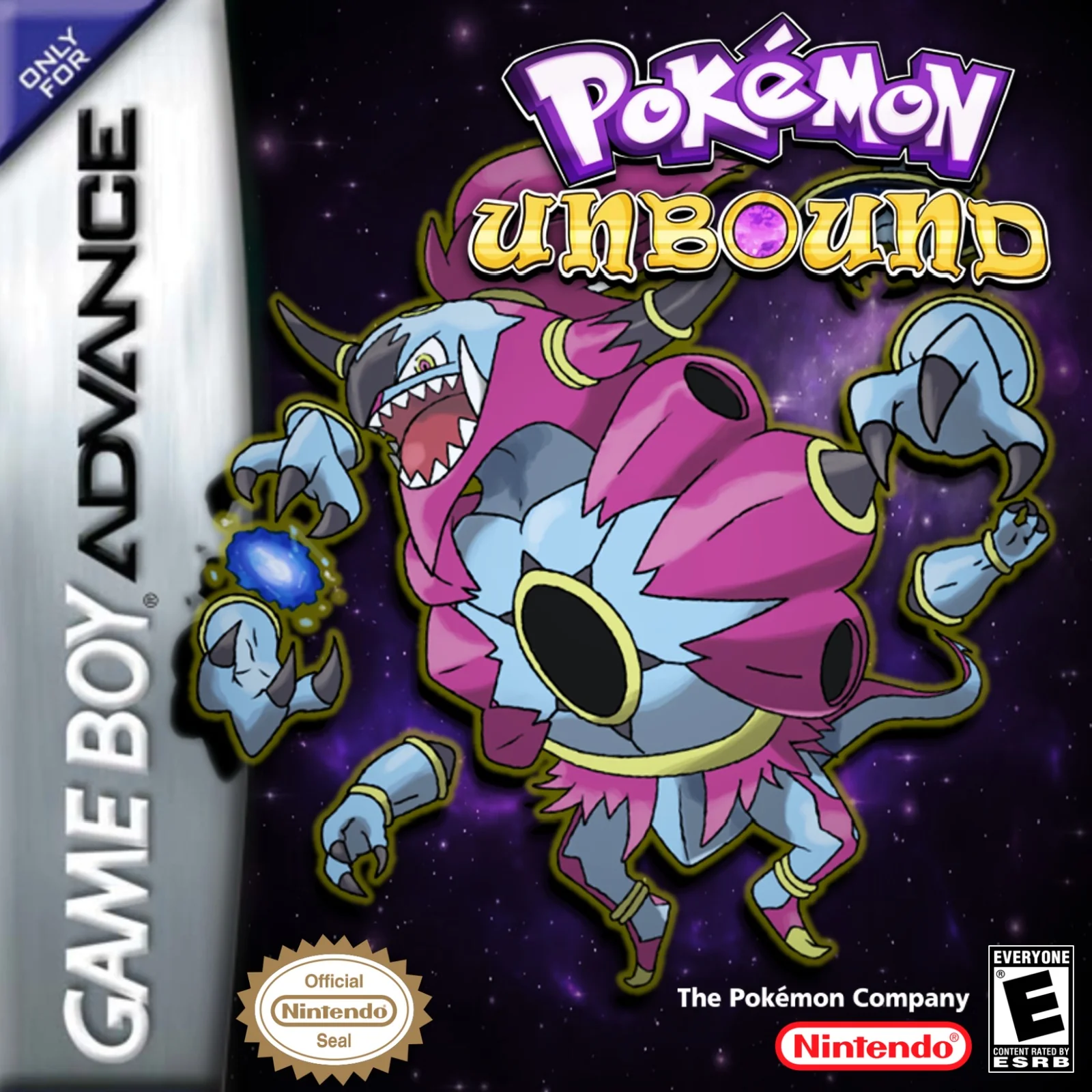
- 1Open the hack page you want (for example, Pokémon Glazed or Pokémon Unbound).
- 2Tap the red Download ROM button.
- 3Your browser will save the .gba file to your Downloads folder. Tap 'Open' if prompted, or find it in your Files app.
- 4You now have the ROM file — move on to loading it in your emulator.
Loading the ROM in My Boy!
Once you have My Boy! installed and the .gba file downloaded:
- 1Open My Boy! and tap the folder icon or 'Load Game'.
- 2Navigate to your Downloads folder (or wherever the .gba file saved).
- 3Tap the .gba file to launch the game.
- 4The game starts immediately. Use My Boy!'s on-screen buttons or connect a Bluetooth controller.
Tips for Playing ROM Hacks on Android
A few things that make the experience better:
Use save states liberally
ROM hacks are often harder than vanilla games. Save states (the save slot system inside the emulator, separate from in-game saves) let you checkpoint before tough battles. In My Boy!, tap the menu icon mid-game to access them.
Use a Bluetooth controller
GBA games were designed for physical buttons. Any standard Bluetooth controller (PlayStation, Xbox, or a dedicated retro controller like the 8BitDo Zero 2) maps well to the GBA layout and makes long sessions much more comfortable.
Set fast forward to 2–3×
Grinding and dialogue go faster at 1.5–2× speed. Most emulators have a fast-forward button you can hold or toggle. Don't go much beyond 3× or audio breaks down.
Back up your save files
Copy your .sav file to cloud storage occasionally. If you switch phones or clear the app, the save file stays separate from the ROM and can be transferred.
Playing GBC and NDS ROM Hacks on Android
This guide covers GBA hacks (.gba files), which are the most common. For Game Boy Color hacks (.gbc files), use My OldBoy! — it works the same way as My Boy! but for GBC games. For Nintendo DS hacks (.nds files), use DraStic DS Emulator or melonDS — the setup process is identical: install the app, load the .nds file.