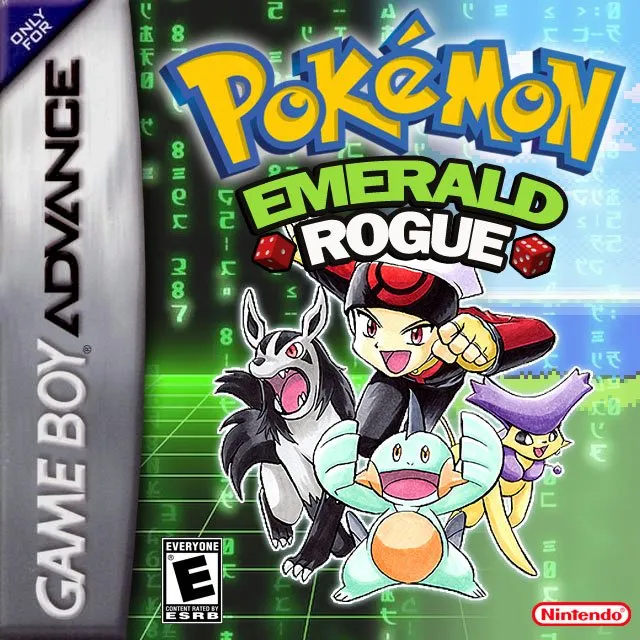
Pokémon Emerald Rogue 2.0 EX
by Pokabbie · Base ROM: Pokemon Emerald


Download
⬇ Download ROMAbout Pokémon Emerald Rogue 2.0 EX
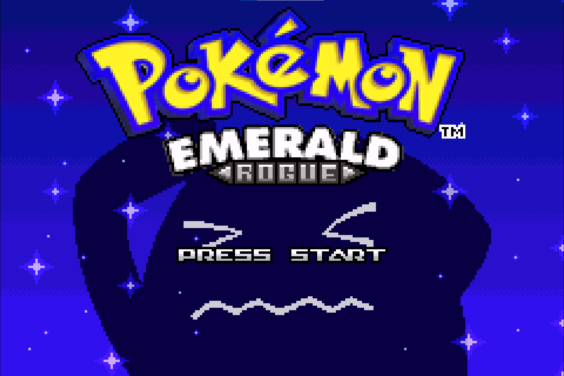
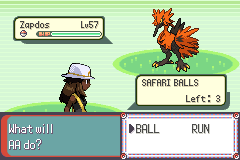
Pokémon Emerald Rogue 2.0 EX is the definitive roguelike Pokémon experience on GBA. Developed by Pokabbie, it transforms Pokémon Emerald into a run-based game where every attempt is unique: all routes, wild encounters, and items are procedurally generated based on your progress, and if you wipe out, you start fresh from a hub world.
Pokémon Emerald Rogue 2.0 EX Features
Frequently Asked Questions — Pokémon Emerald Rogue 2.0 EX
What is a roguelike Pokémon game?
In Pokémon Emerald Rogue, each playthrough is a 'run' with procedurally generated routes and encounters. If you lose, you start over from the hub. Win conditions and permanent upgrades carry between runs.
How long is a run in Pokémon Emerald Rogue?
A complete run (start to Champion victory) typically takes 3–4 hours of in-game time, depending on how thoroughly you explore each route.
Can I save my progress mid-run?
Yes, using the REST option in the menu. However, this is a safety save only — the game does not support save scumming.
Does Pokémon Emerald Rogue have Mega Evolution?
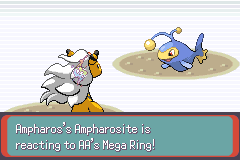
Yes! Version 2.0 EX adds in-battle Mega Evolution, Galarian Forms, and rare Legendary encounters.
Download
⬇ Download ROMInformation
- Platform
- GBA
- Base ROM
- Pokemon Emerald
- Creator
- Pokabbie
- Version
- 2.0.1
- Size
- 32MB
- Updated
- 07/04/24
How to Play Pokémon Emerald Rogue 2.0 EX
- 1.Download the .gba ROM file above
- 2.Install an emulator for your device (see below)
- 3.Open the ROM in your emulator and start your adventure!
Recommended Emulators