v2.0.1· Updated: 08/021/22
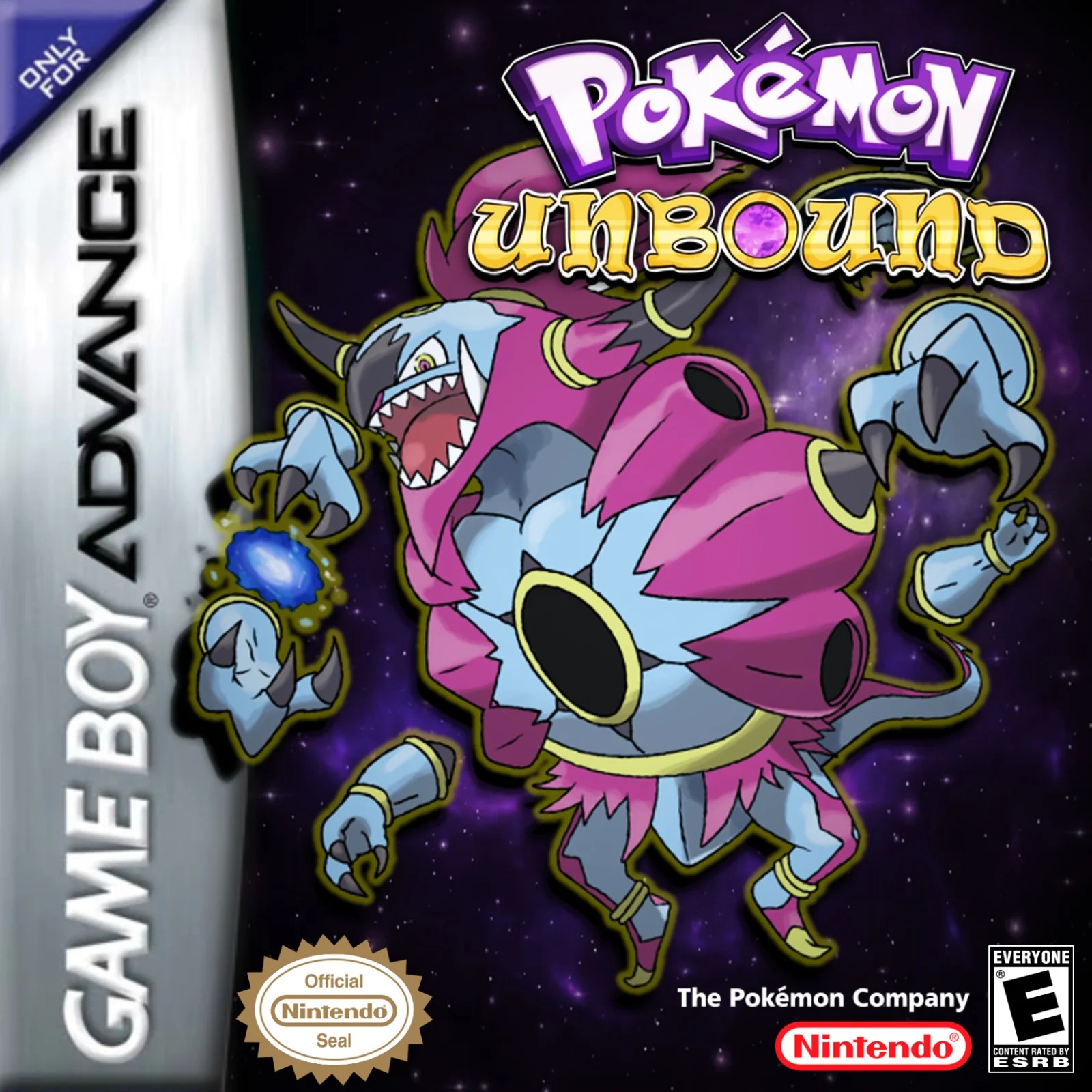
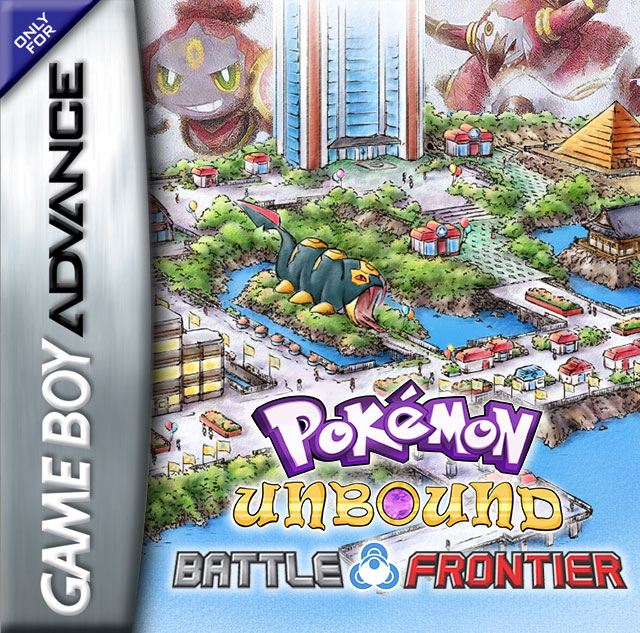
Pokémon Unbound Battle Frontier
by Skeli · Base ROM: Pokemon Fire Red
1 / 5
Download
⬇ Download ROMAbout Pokémon Unbound Battle Frontier
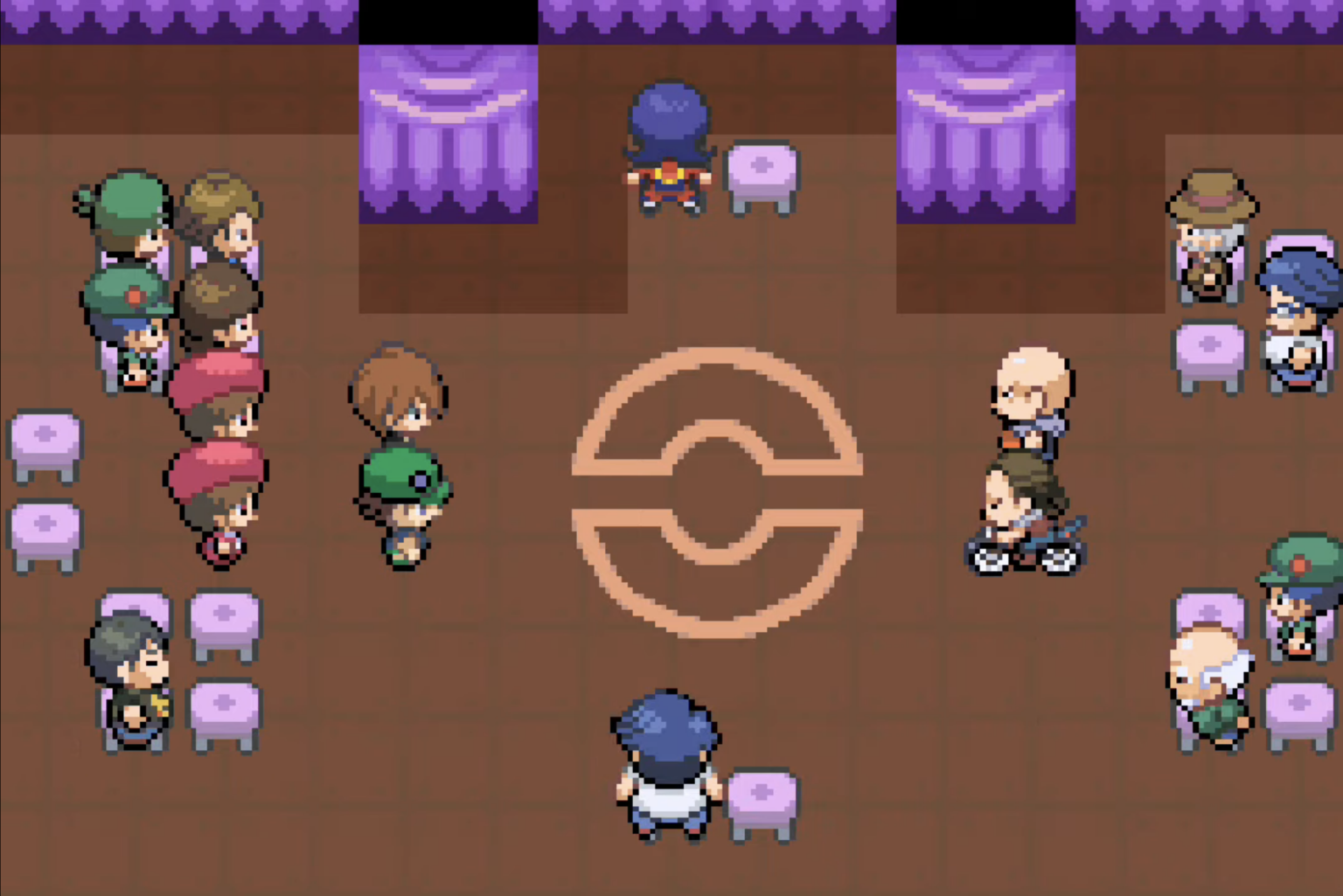
Pokémon Unbound Battle Frontier is a standalone demo that lets you jump straight into the Borrius Battle Frontier from Pokémon Unbound — no need to play through the full game first. If you're a competitive-minded player who wants to grind facilities and test team strategies, this is the quickest path to the best post-game content Unbound offers.
Pokémon Unbound Battle Frontier Features
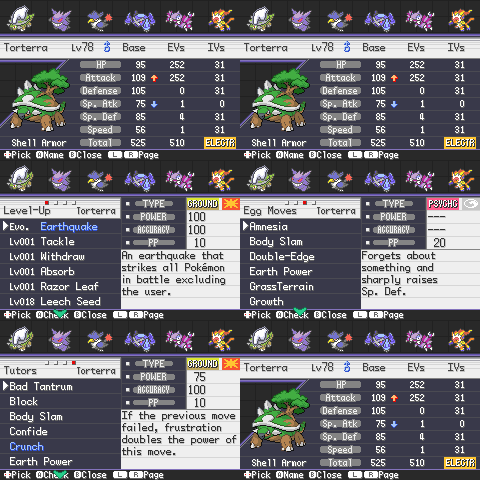
✓Gen 8 Pokemon will be available from the start
✓The Antisis Ring challenge can be accessed by going south of the Frontier and talking to the clerk
✓The Costume Box and God Stat Scanner will be given at the start of the game (talk to nurse in the Tower for existing saves)
✓The Bottle Cap lady, Hidden Power changer, EV Trainer will never appear (use the Stat Scanner)
✓The Berry seller, Move Deleter, and Ball Changer will always be out
✓Frontier Raid drops have much more useful Berries and a higher chance of Wishing Pieces
Frequently Asked Questions — Pokémon Unbound Battle Frontier
Do I need to play Pokémon Unbound to use the Battle Frontier demo?
No. The Battle Frontier demo is standalone — you can jump straight in and use all Battle Frontier facilities without completing the main game.
What facilities are in the Battle Frontier demo?
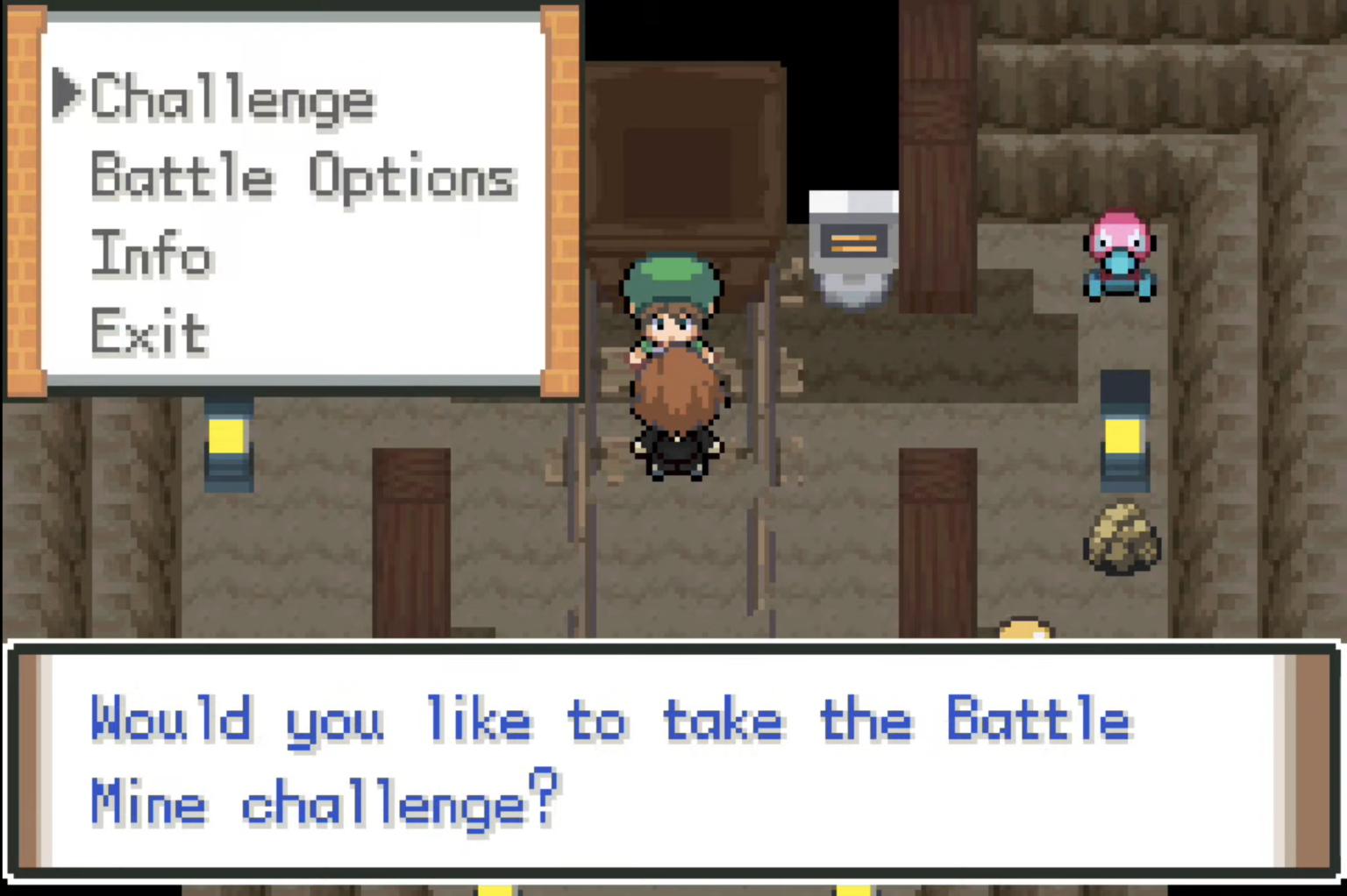
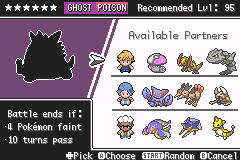
Five Battle Frontier facilities, plus Raid Battles and a Safari Zone demo.
Can I get any Pokémon in the Battle Frontier demo?
Most Pokémon can be purchased by name from the lowest Battle Tower vendor, including regional forms.
Download
⬇ Download ROMInformation
- Platform
- GBA
- Base ROM
- Pokemon Fire Red
- Creator
- Skeli
- Version
- 2.0.1
- Size
- 32MB
- Updated
- 08/021/22
How to Play Pokémon Unbound Battle Frontier
- 1.Download the .gba ROM file above
- 2.Install an emulator for your device (see below)
- 3.Open the ROM in your emulator and start your adventure!
Recommended Emulators
Android: My Boy! Free or RetroArch (mGBA core)
iPhone / iPad: Delta Emulator (free on App Store)
PC / Mac: mGBA (recommended) or VisualBoyAdvance-M
Difficulty:Hard